| |
 Русский
 Deutsch
 English
 Italian
 Polish
Collection Studio 4.76[ release date: May 31, 2024 ] |
| |
Collection Studio 4.76[ release date: May 31, 2024 ] |
|
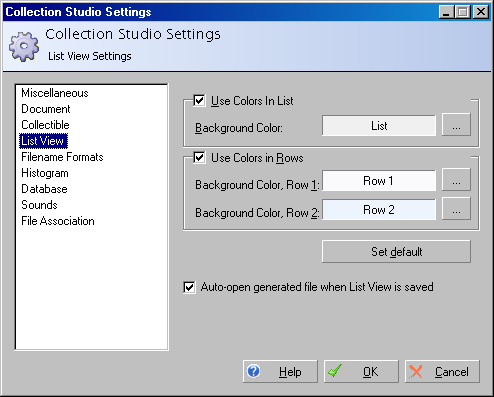
| Settings: List Settings
All changes you have made on settings in this dialog will be automatically saved after pressing See also
|
Copyright © 2004 - 2018, K.S.U.O. All rights reserved.
Use of this website signifies your agreement to the terms described in our Legal section.
Web Hosting by SG Managed.